
Your Shopify products on Skroutz. Your orders back in Shopify.
The Skroutz app for Shopify. Install it, connect your seller account, map your categories once, and sell. Orders come back into Shopify with tracking, vouchers and invoices. Also from a supplier XML, CSV or JSON file: the portal reads the file, you confirm the mapping, the same app lists it.
- 14 days free
- No developer needed
- Stop any time
 OutBetter
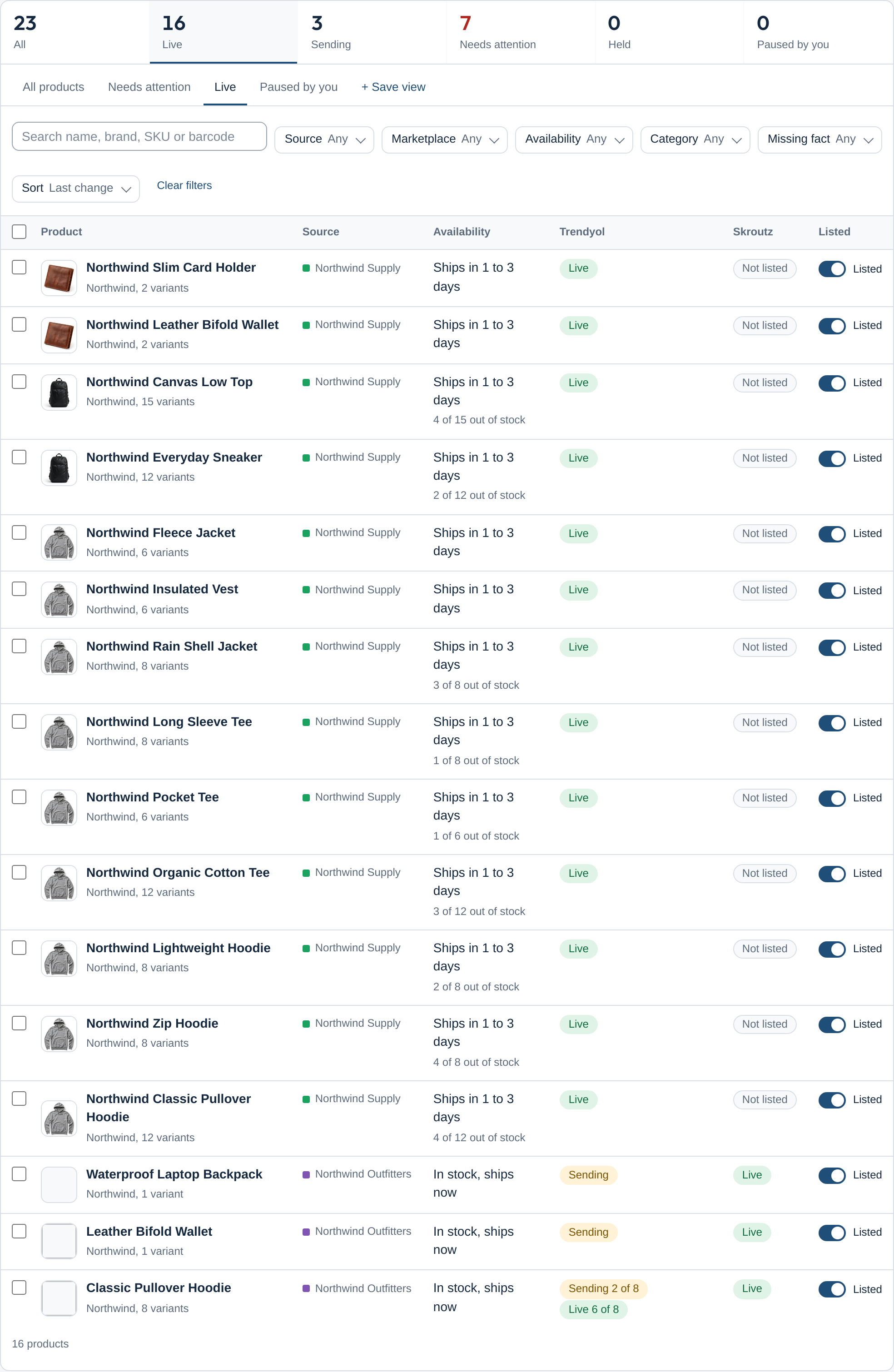
From install to live, in four steps
-
Connect
Install the app, paste the seller credentials the marketplace gave you. One seller account per marketplace, shared by every source you sell from.
-
Map once
Your categories build a tree; each one is mapped to the marketplace once and subcategories inherit it. Sizes, colours and brands are matched by name; you confirm what is unclear.
-
Get accepted
Every held or refused product tells you why in plain words, with the marketplace's own answer folded underneath and the fix one click away.
-
Orders back
A marketplace order lands in your shop as soon as the marketplace reports it. Confirm, mark ready, send the invoice; tracking and vouchers are written onto the shop order.
What Skroutz requires, and what the app does about it
- The XML feed Skroutz fetches
- Products reach Skroutz through a feed built to the Skroutz XML specification: price with VAT, availability words, shipping cost, sizes as variations, specifications from your attributes. The feed is generated ahead of time, never on request.
- An EAN to place a product
- Skroutz needs an EAN to place a product. Products without one are held and listed by cause; you can limit the requirement to chosen categories.
- Two API tokens, one shop domain
- The Products token and the Smart Cart token are entered once. The order webhook must live on your shop's domain, so the app relays it from there, verified by Skroutz's published addresses.
- Stock and prices by API
- Availability, price and quantity go to the Products API in batches of up to 500, variations included, after a change in your shop.
- Set as Ready
- Since March 2026 downloading the voucher no longer marks an order ready for shops in the mandatory programme; the app calls Set as Ready explicitly as its own step.
- Categories as text
- Skroutz reads the category as text. Your category paths are sent as they are, renamed where you want a different wording.
Order steps, in Skroutz's own vocabulary
- Confirm (accept, with the pickup location and window)
- Reject with a reason
- Ready to ship (set as ready)
- Send invoice or receipt (file)
- Reschedule or relocate the pickup
- Tracking details for fulfilment by the merchant

Inside Shopify
- An embedded app
- The app runs inside the Shopify admin with the look of Polaris: the same dashboard, with Shopify's title bar and tabs.
- Products, inventory and orders
- Products and variants come from your store; stock changes follow to the marketplace; marketplace orders are created in Shopify with tracking and documents.
- Billing through Shopify
- Subscriptions are billed through Shopify Billing, as Shopify requires of every app on the App Store.
Questions merchants ask
Skroutz has no sandbox. How is the app tested?
Against a simulator built to the Skroutz specifications, then against real merchant accounts. The webhook's failed deliveries are covered by a polling fallback that refreshes every order not yet final.
Will connecting the app disconnect my current Skroutz integration?
Skroutz allows one active API key per shop: creating a new one expires the previous one. The setup says so before you create it.
Does the feed keep my products' history on Skroutz?
Yes, when you keep the same unique id source your previous feed used; the setup asks which one that was.
Skroutz on other platforms
Other marketplaces for Shopify
Try Skroutz for Shopify free for 14 days
14-day free trial on every app. Stop whenever you like.
- 14 days free
- No developer needed
- Stop any time