
Your Supplier files products on Trendyol. Your orders back in Supplier files.
The Trendyol app for Supplier files. Install it, connect your seller account, map your categories once, and sell. Orders come back into Supplier files with tracking, vouchers and invoices.
- 14 days free
- No developer needed
- Stop any time
 OutBetter
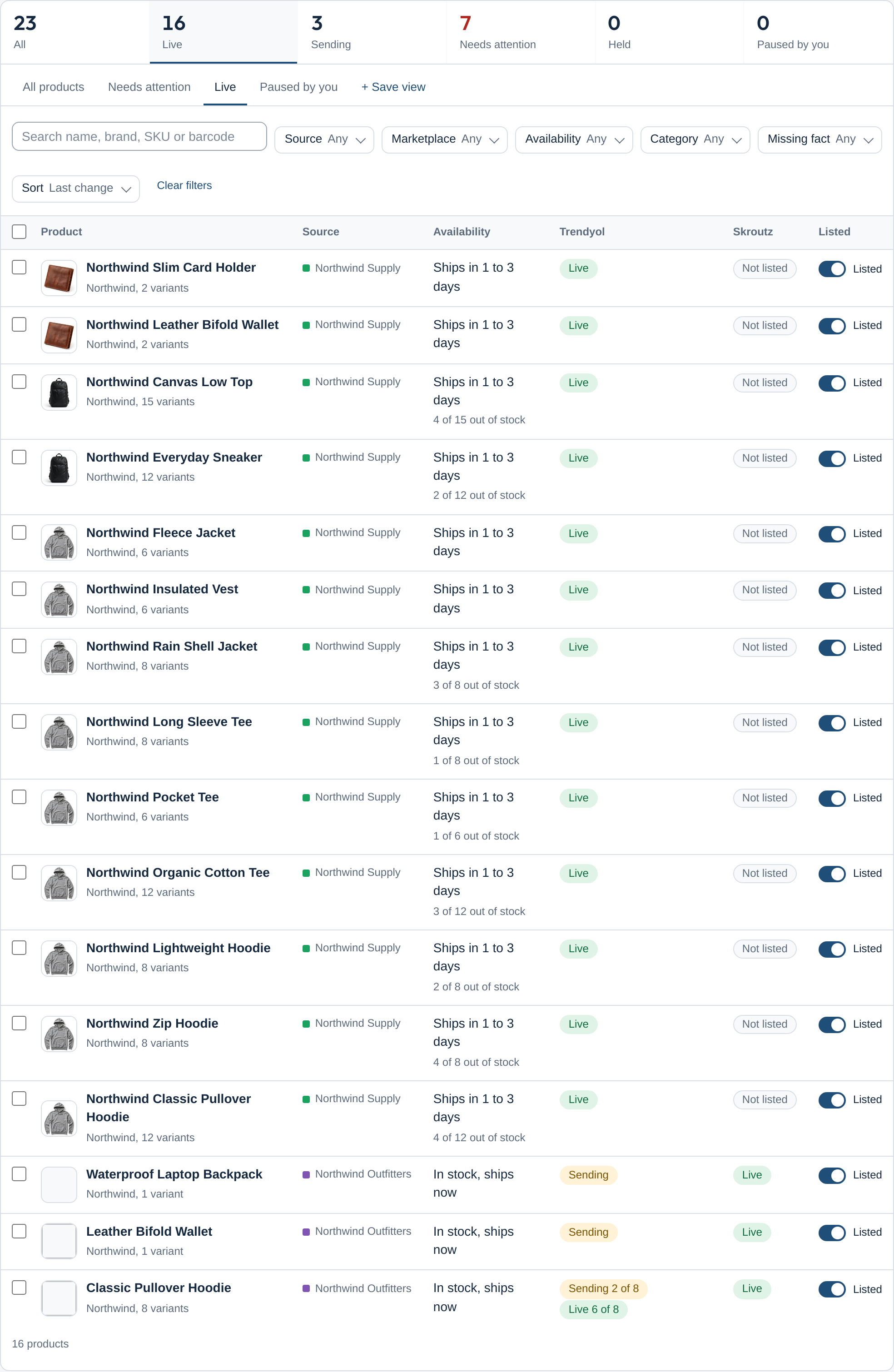
From install to live, in four steps
-
Connect
Install the app, paste the seller credentials the marketplace gave you. One seller account per marketplace, shared by every source you sell from.
-
Map once
Your categories build a tree; each one is mapped to the marketplace once and subcategories inherit it. Sizes, colours and brands are matched by name; you confirm what is unclear.
-
Get accepted
Every held or refused product tells you why in plain words, with the marketplace's own answer folded underneath and the fix one click away.
-
Orders back
A marketplace order lands in your shop as soon as the marketplace reports it. Confirm, mark ready, send the invoice; tracking and vouchers are written onto the shop order.
What Trendyol requires, and what the app does about it
- A brand from Trendyol's catalogue
- Trendyol accepts only brands it knows. Your brands are matched by name; unmatched ones wait under Brands with a request path, or use a fallback brand you choose.
- An EAN on every product
- Products without a barcode are held, not refused, and listed by cause so you can add the EAN on the product page or in the source.
- Required attributes per category
- Size and colour are read from your product options and filled into Trendyol's own attribute lists, including both colour attributes some categories demand. Sizes are matched by name so 42.5 finds 42,5.
- A category that cannot change
- Trendyol locks a product's category once it exists, so auto-mapping applies only clear matches and the rest wait for your confirmation.
- Batches, limits and results
- Products go out in batches of up to 1,000 and stock in batches of up to 1,000, inside Trendyol's rate limits for your seller tier; every batch result is read and written back as the product's state.
- Orders as shipment packages
- Each Trendyol shipment package is one order in your shop. Picking, Invoiced, tracking numbers, splits and cancelled lines follow Trendyol's V2 order API.
Order steps, in Trendyol's own vocabulary
- Confirm (Picking)
- Ready to ship (Invoiced, with the invoice number)
- Send invoice (file or link)
- Tracking number and courier
- Cancel lines (unsupplied)
- Split the package

Inside Supplier files
- Point us at the file
- XML, CSV or JSON. The portal reads it, finds the fields, and shows every product as it will be listed before anything is saved.
- Variations and options
- Sizes, colours and any named value in the file become options; rename values, adjust prices per value, leave values out.
- Read again on a schedule
- The file is read again every hour, six hours, twelve hours or day; products that disappear are archived, set to zero stock, or kept, as you choose.
Questions merchants ask
Does it work with Trendyol International (Greece, Romania)?
Yes. The app sends the storefront code and language of your seller account, and handles the masked customer data Trendyol International returns.
What happens when Trendyol refuses a product?
The product shows the cause in plain words, for example which attribute is missing, with Trendyol's own sentence folded under it and the fix one click away. Nothing is retried blindly.
Can I sell from a supplier file instead of my shop?
Yes. The portal reads an XML, CSV or JSON file, shows every product as it will be listed, and the same engine lists it on Trendyol.
Trendyol on other platforms
Other marketplaces for Supplier files
Try Trendyol for Supplier files free for 14 days
14-day free trial on every app. Stop whenever you like.
- 14 days free
- No developer needed
- Stop any time